
How to Access Online Registration
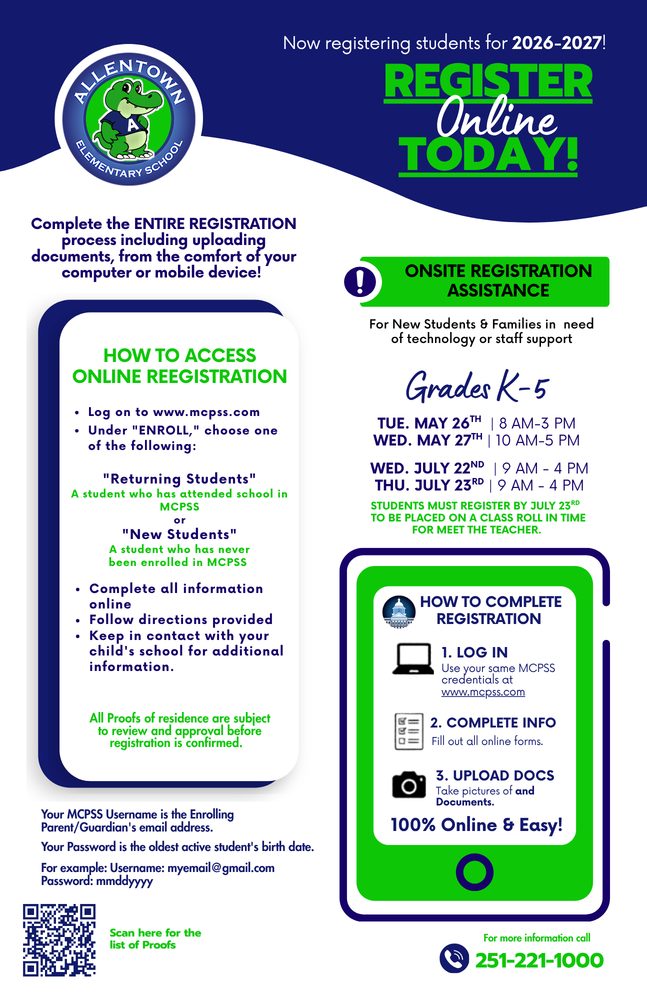
Go to www.mcpss.com and select "ENROLL".
Choose "Returning Students" (attended MCPSS previously) or "New Students" (never enrolled in MCPSS).
Username: The enrolling parent/guardian’s email address.
Password: The oldest active student’s birth date in mmddyyyy format.
Three Steps to Complete Registration
Log In: Use your MCPSS credentials at the district website.
Complete Info: Fill out all required online forms.
Upload Docs: Take and upload photos of required documents. The process is 100% online.
Onsite Registration Assistance Available for new students or families needing technology/staff support (Grades K-5):
Tuesday, May 26th: 8 AM – 3 PM.
Wednesday, May 27th: 10 AM – 5 PM.
Wednesday, July 22nd: 9 AM – 4 PM.
Thursday, July 23rd: 9 AM – 4 PM.
Deadline: Students must register by July 23rd to be placed on a class roll in time for Meet the Teacher. For more information, call 251-221-1000.